
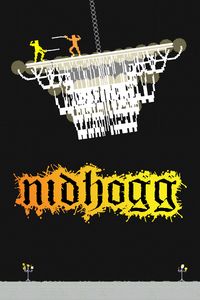
Nidhogg: PC requirements and the PC you need
ActionIndieSports
Cover artwork © the game's publisher.
About Nidhogg
Nidhogg is a fast two-player fencing game from Messhof, played as a kind of tug-of-war. Each player tries to get past the other and run all the way to the far end of the level in their own direction, where a giant flying worm is waiting to reward the winner. Duels last seconds, swords can be thrown and stances changed in a flash. It shines with a friend on the same screen, and can also be played online or against the computer. It is a very light game that any of our gaming PCs handles easily.
What Nidhogg needs
In plain words: to play at all it needs almost any graphics, even the graphics built into the processor, with at least 0.5GB of memory.
| Part | Minimum | Recommended |
|---|---|---|
| Graphics card | DirectX 8-compatible graphics card with at least 32MB of video memory | Not published |
| Processor | 1.2GHz processor | Not published |
| Memory (RAM) | 512 MB RAM | Not published |
| Storage | 200 MB available space | Not published |
From the Steam store page, checked 29 October 2026. The makers sometimes change these; their page is always right.
Will my computer play Nidhogg?
On most computers we find the graphics card for you. Add your processor and memory, and we will tell you if it plays, and what to upgrade if not.
A low-spec PC or a high-spec PC?
This is a light game: almost any of our gaming PCs will run it comfortably.
On a PC that only just meets the minimum, the game will start and play, but on low settings: simpler shadows and textures, shorter view distances and fewer frames each second, so fast moments can feel less smooth. A 1080p screen is the sensible match.
On a PC that meets or beats the recommended spec, you can turn the settings up: sharper textures, proper shadows and lighting, more detail in the distance, and a smoother picture. A stronger PC also lets you use a sharper 1440p or high-refresh screen.
Latest updates from the makers
- The Waiting Game (17 October 2026)
- Online Update + Training Mode (13 October 2026)
- Announcing "Blood Dungeon" (11 June 2026)
The newest official announcements for Nidhogg on Steam, checked every night. More games: this week's game updates.
Our PCs that meet the published spec
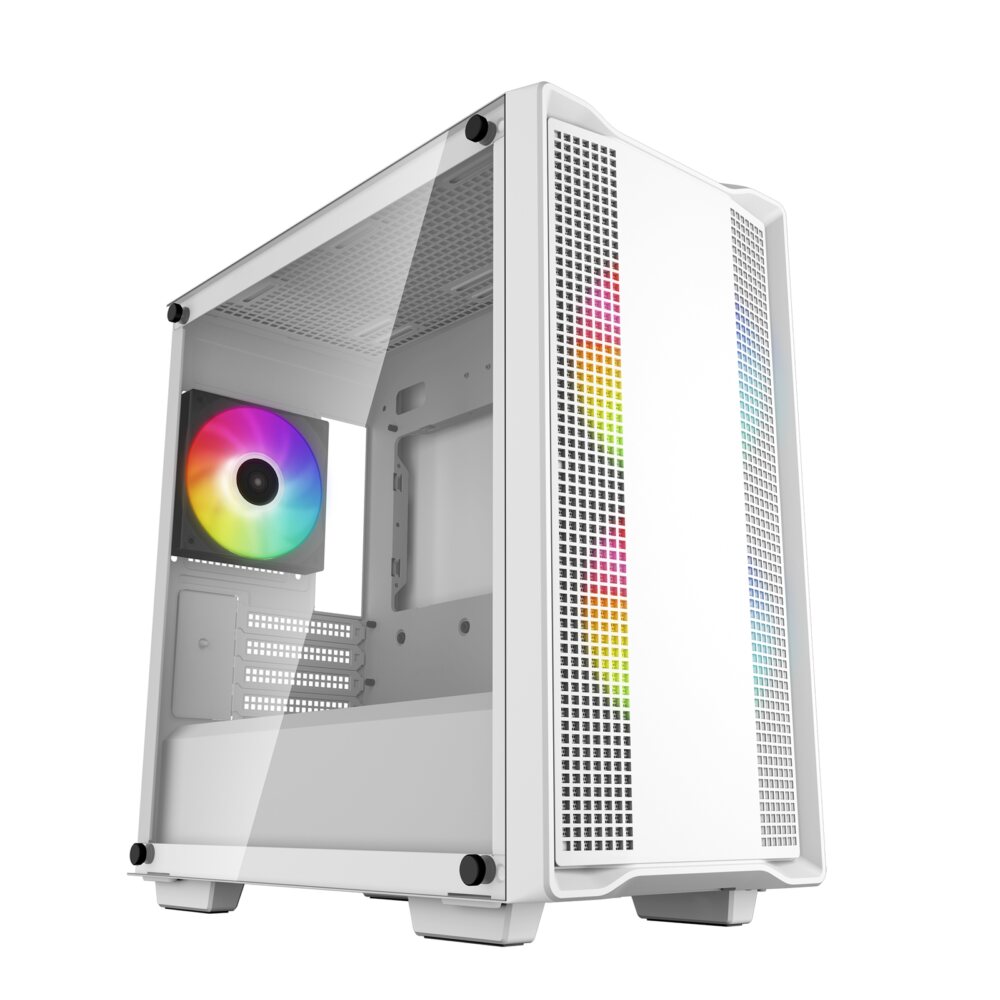
Refurbished1080p gaming
Sandbox Robin 3400G 1060 refurbished gaming PC
Ryzen 5 3400G + GTX 1060
Made for 1080p screens: Fortnite, Valorant, Minecraft and Rocket League play well. The newest big games may need lower settings.
- Processor
- AMD Ryzen 5 3400G (4 cores, 8 threads, built-in Radeon graphics) (tested)
- Graphics
- NVIDIA GeForce GTX 1060 6GB
- Memory
- 16GB DDR4 memory
- Storage
- 500GB WD Blue 2.5-inch SSD (tested) + 1TB 3.5-inch hard drive (tested) + 1TB hard drive
- Windows
- Windows 11 Home not included (optional extra, installed by us)
£579
Built to order
Games this PC plays
- Fortnite Plays well
- Minecraft (Bedrock Edition for Windows) Plays well
- Roblox Plays well
- VALORANT Plays well
- Counter-Strike 2 Plays well
- League of Legends Plays well
- EA SPORTS FC™ 26 Plays on low settings
- Grand Theft Auto V Enhanced Plays on low settings
- Marvel Rivals Plays on low settings
- Call of Duty® Plays on low settings
Comes with an RGB case - you can swap it for a non-RGB case if you prefer.
Sold by Sandbox Computers, Worcester
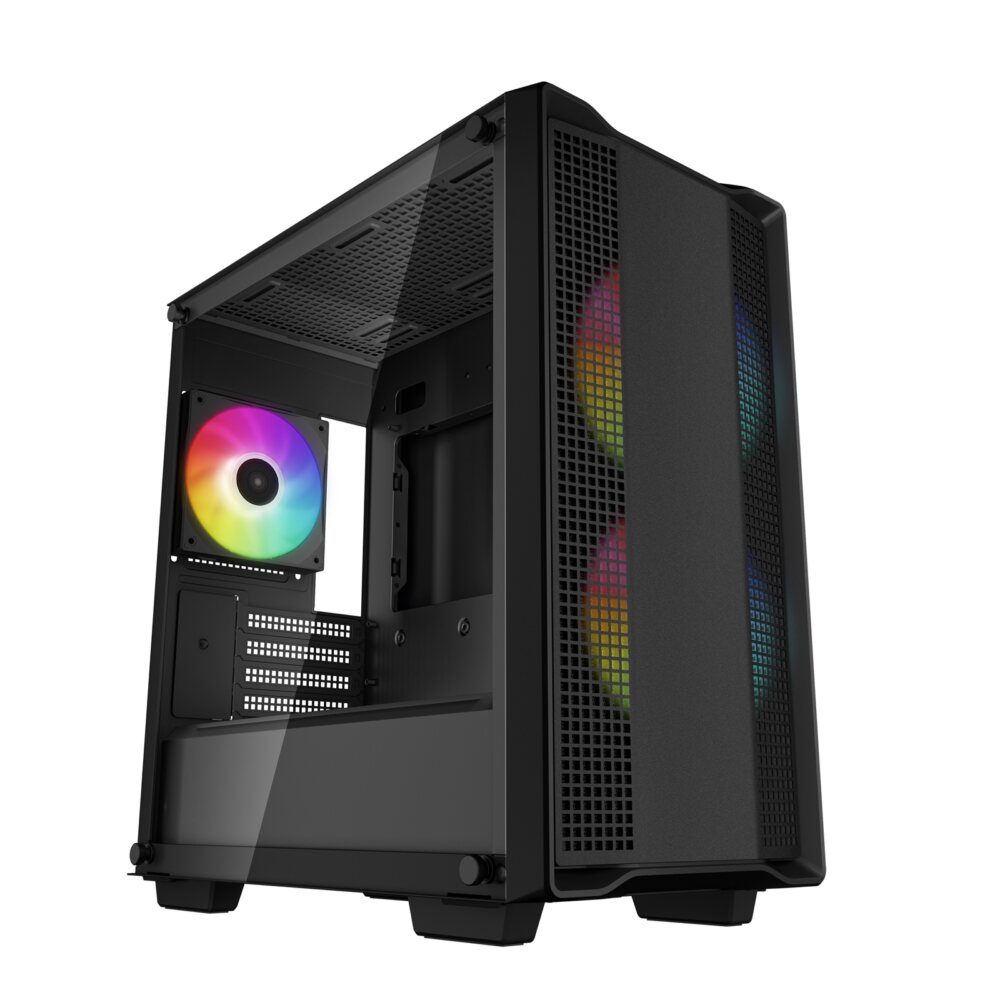
Refurbished1080p gaming
Sandbox Typhoon 1060X refurbished gaming PC
Ryzen 5 4500 + GTX 1060
Made for 1080p screens: Fortnite, Valorant, Minecraft and Rocket League play well. The newest big games may need lower settings.
- Processor
- AMD Ryzen 5 4500 (6 cores, 12 threads)
- Graphics
- NVIDIA GeForce GTX 1060 6GB
- Memory
- 16GB DDR4 memory
- Storage
- 256GB SSD + 1TB 3.5-inch hard drive (tested) + 1TB hard drive
- Windows
- Windows 11 Home not included (optional extra, installed by us)
£599
Built to order
Games this PC plays
- Fortnite Plays well
- Minecraft: Java Edition Plays on low settings
- Minecraft (Bedrock Edition for Windows) Plays well
- Roblox Plays well
- VALORANT Plays well
- Counter-Strike 2 Plays well
- League of Legends Plays well
- EA SPORTS FC™ 26 Plays on low settings
- Grand Theft Auto V Enhanced Plays on low settings
- Marvel Rivals Plays on low settings
Comes with an RGB case - you can swap it for a non-RGB case if you prefer.
Sold by Sandbox Computers, Worcester
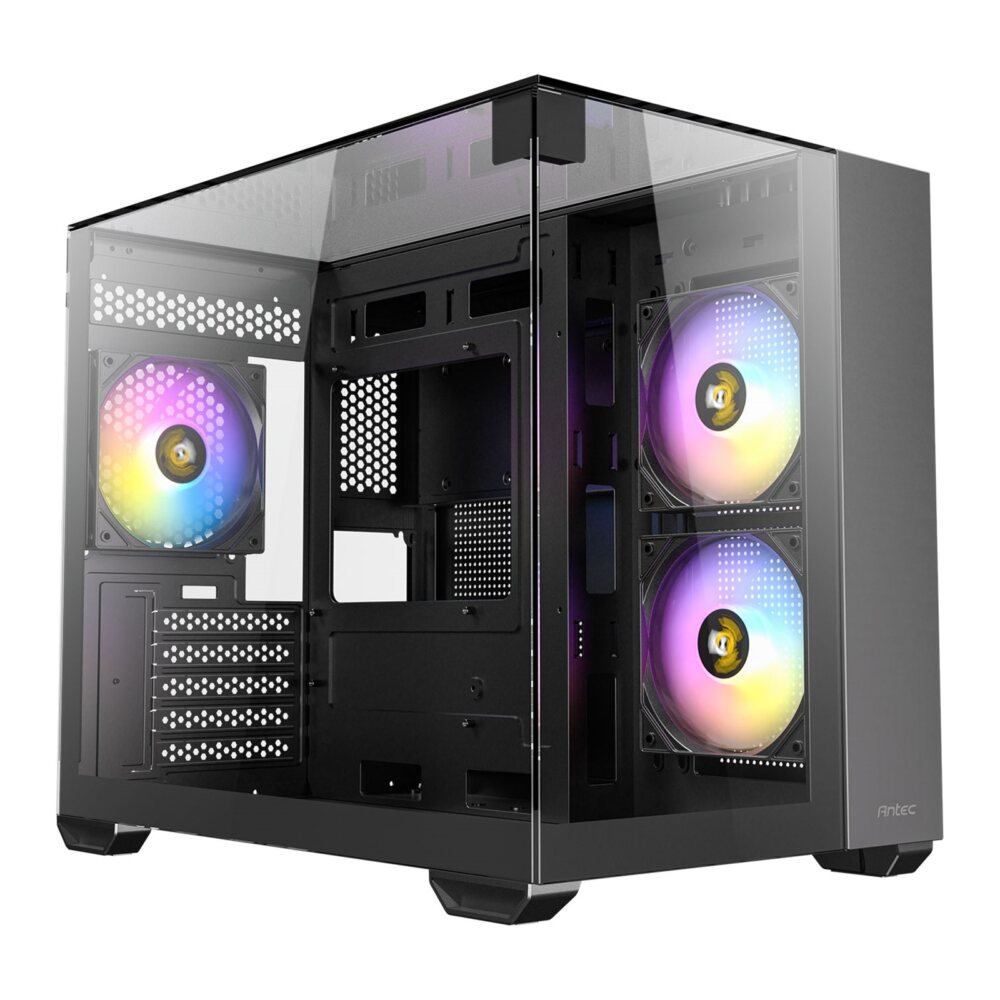
Refurbished1080p gaming
Sandbox Jingle 3400G 1660S refurbished gaming PC
Ryzen 5 3400G + GTX 1660 Super
Made for 1080p screens: Fortnite, Valorant, Minecraft and Rocket League play well. The newest big games may need lower settings.
- Processor
- AMD Ryzen 5 3400G (4 cores, 8 threads, built-in Radeon graphics) (tested)
- Graphics
- NVIDIA GeForce GTX 1660 Super 6GB
- Memory
- 16GB DDR4 memory
- Storage
- 500GB WD Blue 2.5-inch SSD (tested)
- Windows
- Windows 11 Home not included (optional extra, installed by us)
£659
Built to order
Games this PC plays
- Fortnite Plays well
- Minecraft (Bedrock Edition for Windows) Plays well
- Roblox Plays well
- VALORANT Plays well
- Counter-Strike 2 Plays well
- League of Legends Plays well
- EA SPORTS FC™ 26 Plays on low settings
- Grand Theft Auto V Enhanced Plays on low settings
- Marvel Rivals Plays on low settings
- Call of Duty® Plays on low settings
Comes with an RGB case - you can swap it for a non-RGB case if you prefer.
Sold by Sandbox Computers, Worcester
Questions about Nidhogg on PC
What graphics card do I need for Nidhogg?
The makers say the minimum is DirectX 8-compatible graphics card with at least 32MB of video memory. In plain words: almost any graphics, even the graphics built into the processor for a good experience.
How much memory (RAM) does Nidhogg need?
At least 0.5GB. 16GB is the sensible amount for a gaming PC today.
Is Nidhogg multiplayer?
Yes. You can play it single player, multiplayer, player versus player, online player versus player or split screen.
Can a gaming PC from Sandbox Computers run Nidhogg?
Our PCs meet the minimum spec. Ask us and we will suggest one that runs it well.
How we match: we compare the graphics card and the memory in each PC with the makers' spec, because those decide most of how a game runs. For very new or demanding games, ask us and we will check the processor too. More help: graphics cards explained, how much RAM, which screen.